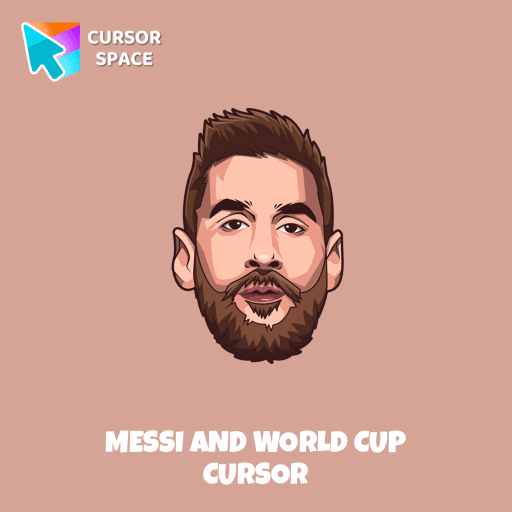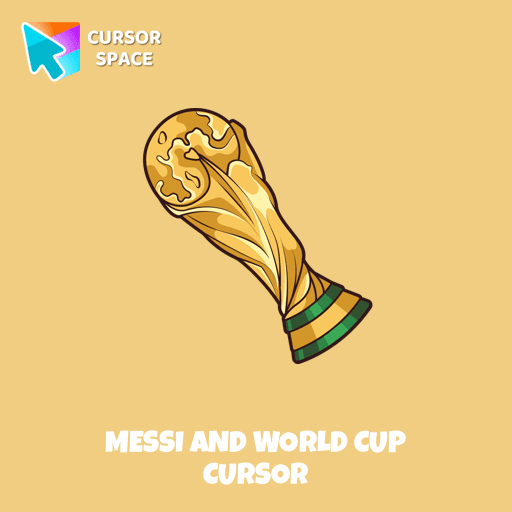
Messi And World Cup Cursor

Messi and World Cup cursor cursor pack
Preview Messi and World Cup cursor custom cursor pack
Messi and World Cup cursor arrow cursor
Messi and World Cup cursor pointer cursor

Description

Messi is one of only six men to have played in five World Cups. With the Argentina team, he's won a historic World Cup title after 36 years. Meet our custom cursor with Messi and World Cup in The Wishes custom cursors collection for Chrome.

What's included in the package

  • Default Cursor
  • Pointer (Hand)

How to install a custom cursor pack Messi And World Cup Cursor

  1. Install the Cursor Space extension for Chrome or Cursor Space for Edge in your browser.

  2. On this page, click "Add this cursor pack to the extension".

  3. Open the extension and go to the Packs tab.

  4. Find the custom cursor pack "Messi and World Cup cursor" and click it.

  5. Enjoy!

Ready to install?

Get this cursor pack and thousands of others by installing our extension. It's fast and free!

About this cursor pack

Messi And World Cup Cursor is a themed cursor pack you can add to your browser to personalize your pointer across common cursor states (default and pointer). Use it for everyday browsing, streaming, studying, or gaming-anywhere you want your cursor to match your vibe.

Instant preview

See how the cursors look before installing.

Easy install

Add the pack to the extension in a few clicks.

Works in your browser

Designed for Chrome and Edge via the extension.

FAQ

Quick answers to common questions about cursor packs, collections, and installation.

Do I need an extension?

Yes. To apply cursor packs in Chrome or Edge, install the Cursor Space extension and add this pack to it.

Which browsers are supported?

Cursor packs are designed for Chromium browsers like Chrome and Microsoft Edge.

How do I switch back to the default cursor?

Open the extension, choose another pack or disable the current one to return to your default cursor.

Popular cursors today

Custom cursor and packs - neon, anime, pixel art. Quickly add to Chrome and Microsoft Edge for free

  • TOP 1
    Multiple cursor prank

    Multiple cursor prank

    (3.1k)
    Free

    Experience the fun of the Multiple Cursor prank with a custom cursor for Google Chrome. Add fake cursors to confuse and entertain while keeping only one functional.

  • TOP 2
    8 bit cursor

    8 bit cursor

    (2.2k)
    Free

    Enhance your browsing with the 8-bit custom cursor. This custom cursor for Google Chrome adds a nostalgic, pixelated charm to your screen for a retro experience.

  • TOP 3
    Mechanical cursor

    Mechanical cursor

    (246)
    Free

    Upgrade your desktop with the Mechanical custom cursor, a sleek blend of technology and elegance for a futuristic browsing experience.

  • Kazuha cursor

    Kazuha cursor

    (63)
    Free

    Genshin Impact for Chrome cursor set has a custom cursor Kazuha as a pointing device.

  • Sushi Texture cursor

    Sushi Texture cursor

    (220)
    Free

    Immerse yourself in Japanese culinary art with the Sushi Texture custom cursor for Google Chrome and elevate your browsing experience with style.

  • Ruby cursor

    Ruby cursor

    (1.3k)
    Free

    Ruby custom cursor for Google Chrome helps you track text input and operations in Ruby coding. Improve text processing and editing efficiency with ease.

  • Raccoon cursor

    Raccoon cursor

    (218)
    Free

    Transform your browsing with the Raccoon custom cursor for Google Chrome. Enjoy the playful design and lively animations of this adorable raccoon character.

  • On the other side cursor

    On the other side cursor

    (17)
    Free

    Baffle your friends with the On the Other Side custom cursor. This custom cursor for Google Chrome reverses mouse controls, turning navigation into a challenging task.

  • Naruto Uzumaki cursor

    Naruto Uzumaki cursor

    (211)
    Free

    The Naruto Uzumaki custom cursor for Google Chrome lets fans personalize their browsing experience with an iconic mouse pointer featuring Naruto himself.

  • Mr. Chimes cursor

    Mr. Chimes cursor

    (74)
    Free

    Mr. Chimes Cursor is a custom cursor for Google Chrome that adds a creepy yet whimsical monkey trail to your mouse, personalizing your browsing experience.

  • Lava Texture cursor

    Lava Texture cursor

    (313)
    Free

    Ignite your browsing with the Lava custom cursor for Google Chrome, inspired by volcanic magma. Experience intense energy right on your screen.

  • Dog cursor

    Dog cursor

    (17)
    Free

    Here is a cute dog cursor for the mouse. Make your browsing more individual with The cutest custom cursors collection for mouse and pointers. Puppy custom cursor in your browser.

Collection hits

Installation leaders from "Avatar: Cursor Collection": free packs, neon/anime/pixel art, quick add to Chrome and Edge.

  • TOP 1
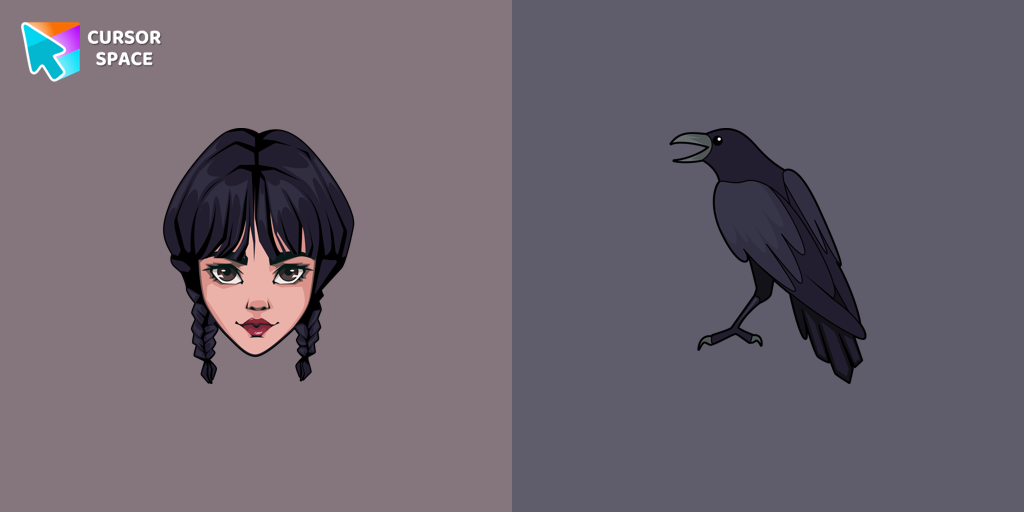
    Wednesday Addams and Crow cursor

    Wednesday Addams and Crow cursor

    (42)
    Free

    Wednesday custom cursor for a mouse is good fan art to decorate your browsing.

  • TOP 2
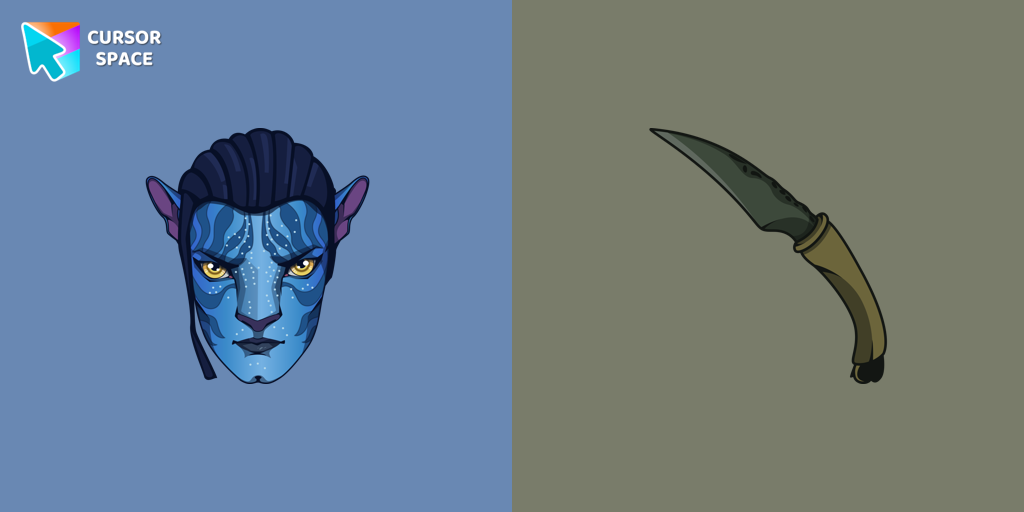
    Jake Sully cursor

    Jake Sully cursor

    (37)
    Free

    Meet our custom cursor with Jake from Avatar for The Wishes custom cursors collection for Chrome.

  • TOP 3
    Ángel Di María cursor

    Ángel Di María cursor

    (24)
    Free

    Meet our custom cursor with Ángel Di María in The Wishes custom cursors collection for Chrome.

  • KEL cursor

    KEL cursor

    (11)
    Free

    Add KEL cursor in the collection of custom cursors with avengers for the browser.

Install Cursor Space - A Collection of Custom Cursors for Chrome & Edge

Add packs instantly and unlock access to thousands of cursors: neon, anime, pixel-art, and more. Fast, safe, and free.

  • Free cursor packs
  • HD/HiDPI & animated icons
  • Quick browser installation

Cursor Space is an extension for changing your mouse cursor in Chrome and Edge browsers: themed collections, HiDPI icons, neon, animated, and pixel cursors, with quick installation.

Install Extension

To use packs with one click, you need our free browser extension. Install it and come back!